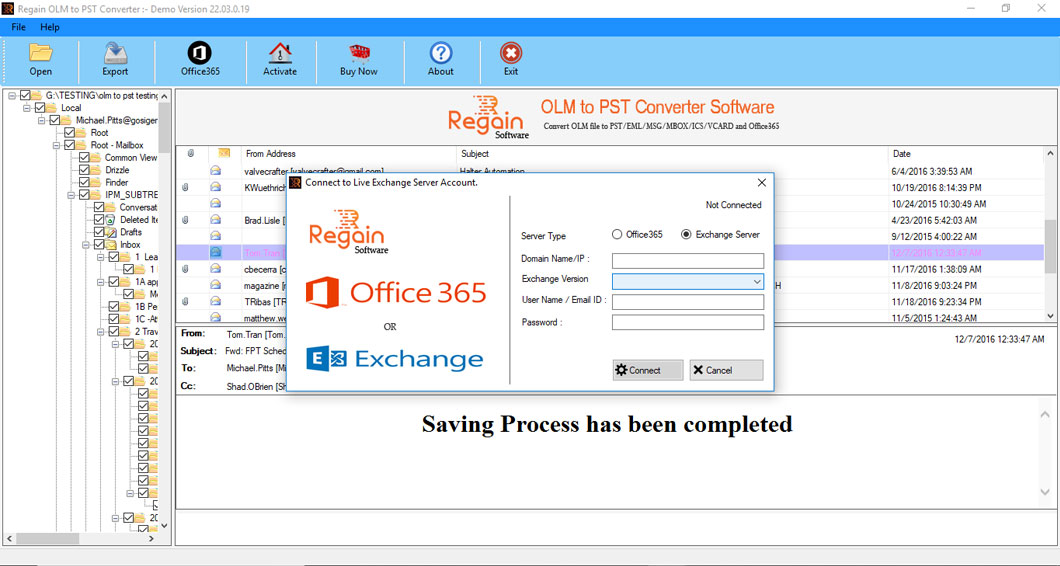
Step by Step Guide to Convert OLM file to Outlook PST file.
Steps to Convert MAC OLM file to MS Outlook PST File.
Step 1:
Download, Install, and Run OLM to PST Converter Software.
Click on "Browse" button to select OLM file for conversion.
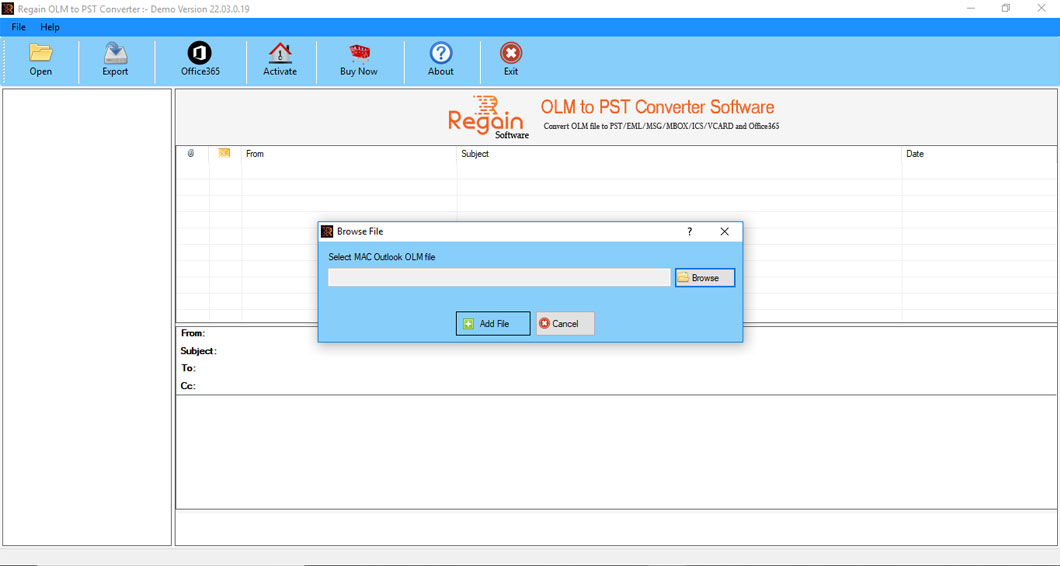
Step 2:
After Selecting "OLM file" Click OK for Scanning
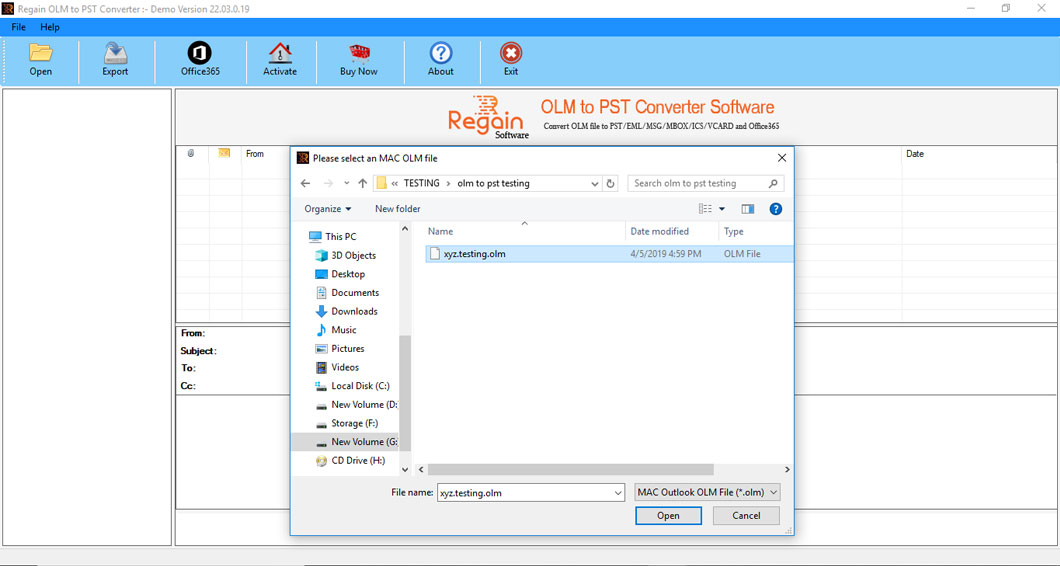
Step 3:
Start Scanning Process
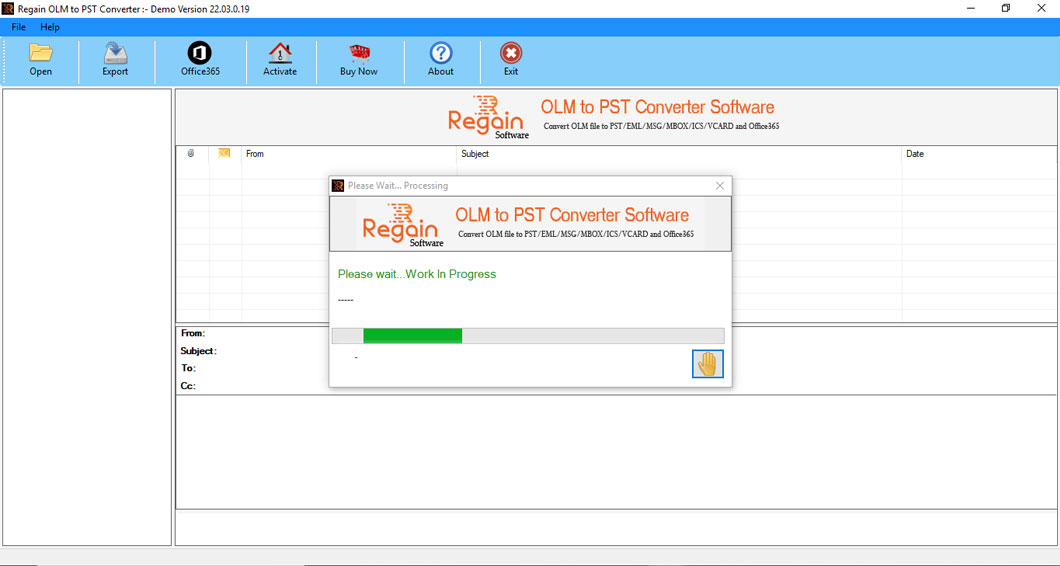
Step 4:
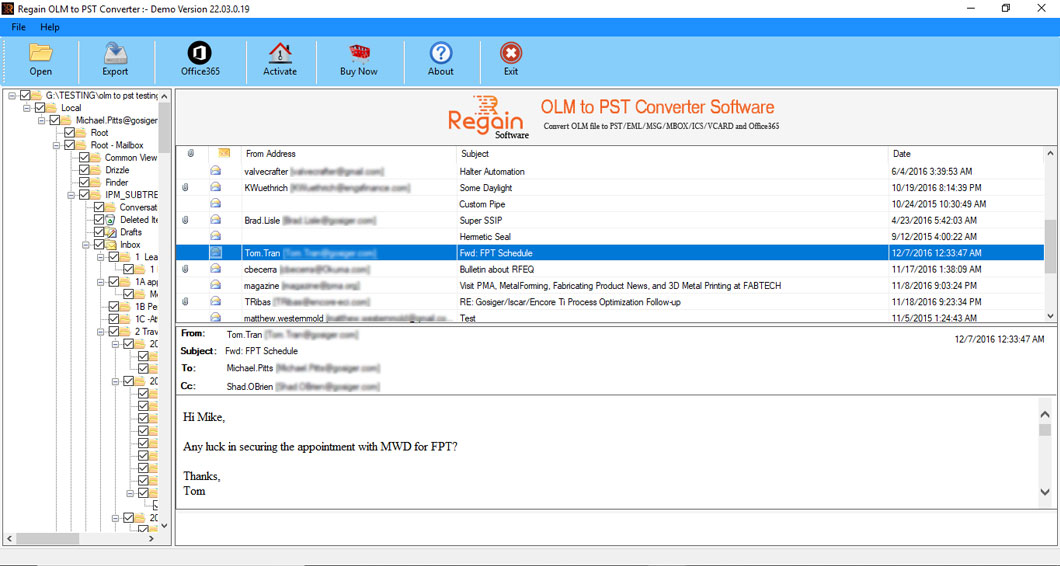
Shows the Preview of OLM file after Scanning
Step 5:
Click on "Export" button to Convert OLM file on Desire File format
Step 6:
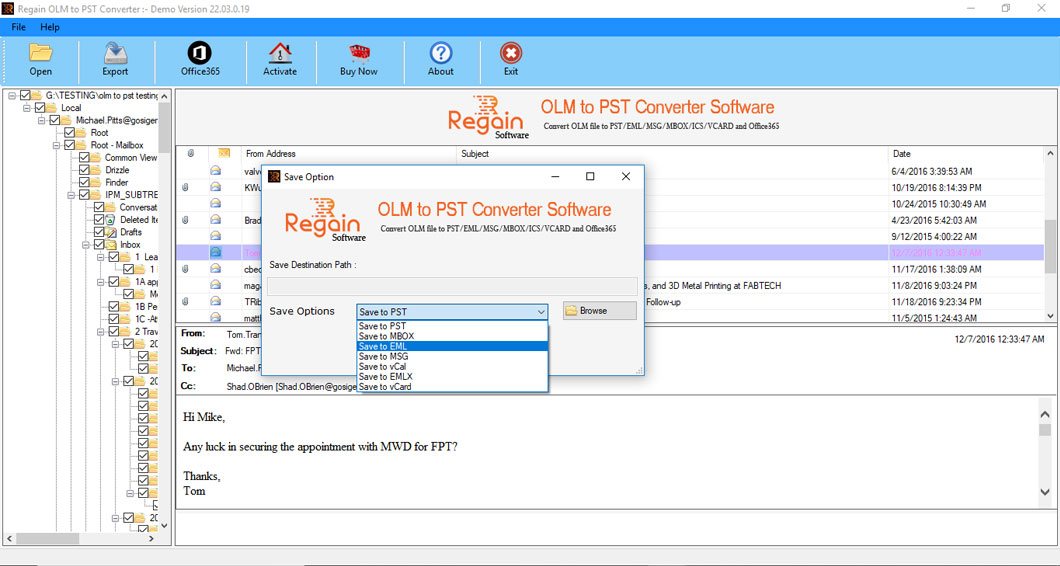
Select the File format and then Click OK
Step 7:
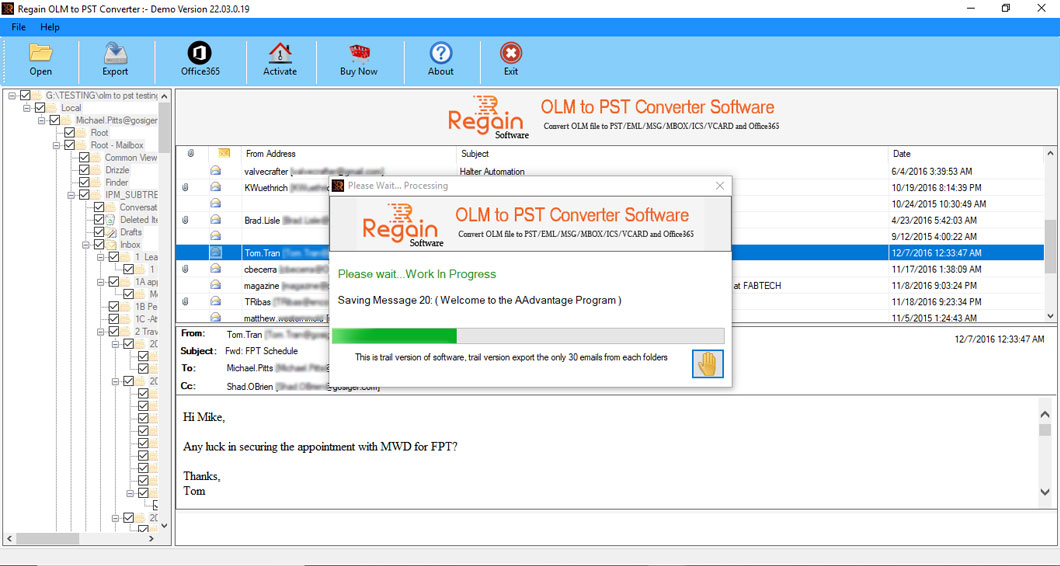
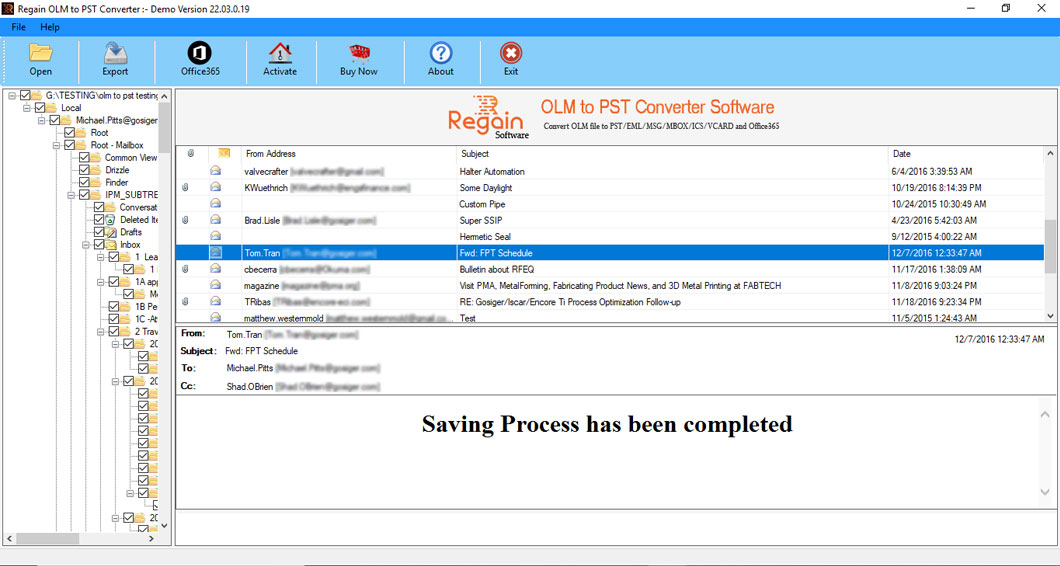
Sucessfully Convert OLM to PST file.
Step 8:
Click on "Office 365" button to Export OLM file to Office 365 account
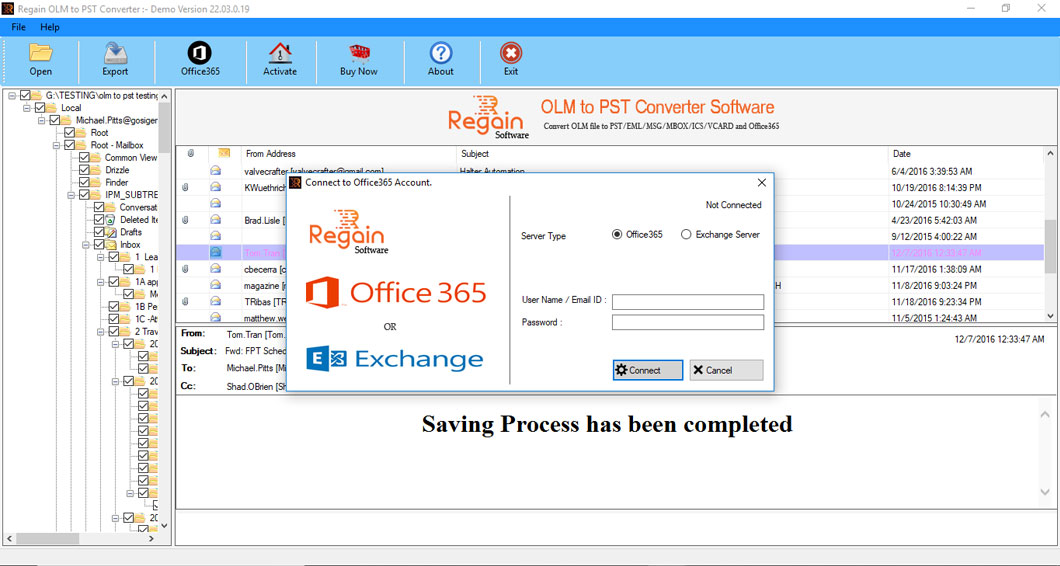
Step 9:
Click on "Office 365" button to migrate OLM file to Live Exchange Server